A small Mac app for counting down to the good things. Free for a week, no account, no card.
I kept doing the same arithmetic in my head. How many weeks until the quarter ends? How many days until the trip? How long until the thing I had been looking forward to since March?
The calendar can tell you, but you have to go ask it, and by the time you find the date and count backward, you have lost the small pleasure of knowing. I wanted the number to just be there, the way the clock is there.
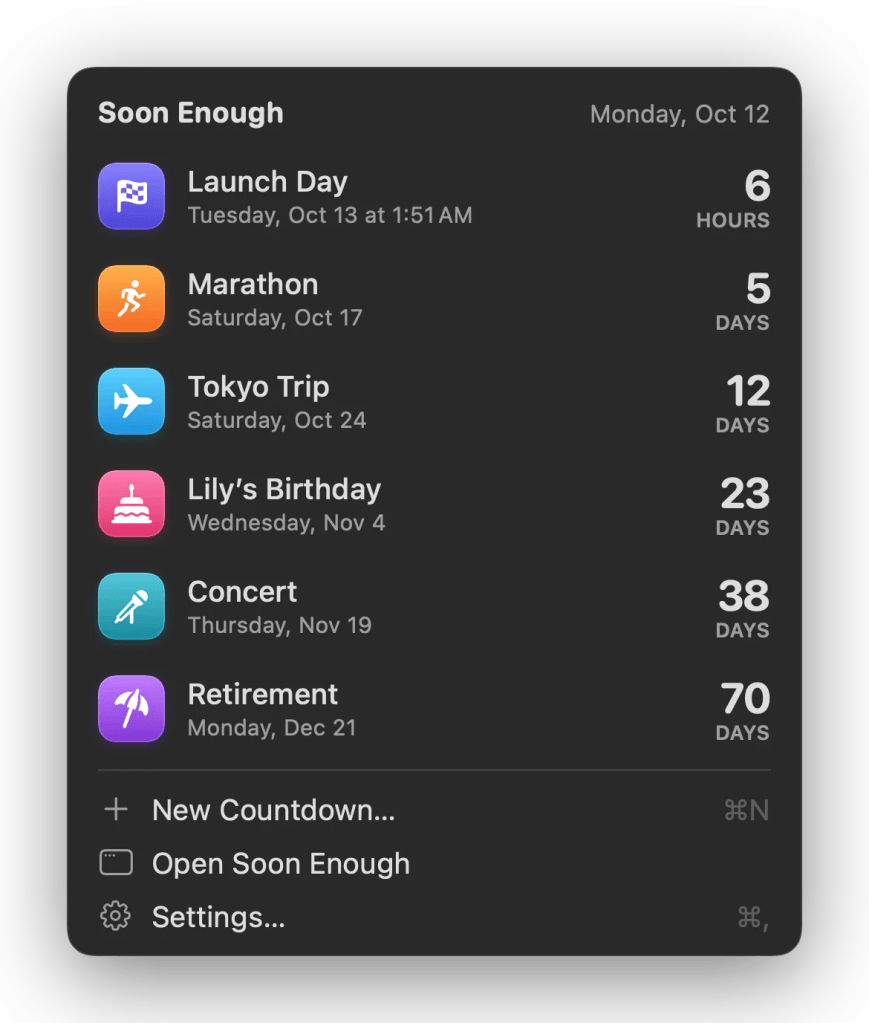
So I built Soon Enough. It puts the next big day in your menu bar, and the rest of them in widgets on your desktop.
The next one, always visible
Click the menu bar, and you get the list: what’s next, what’s after that, and how long each is. It counts in days until the last day, then hours, then minutes.
Nothing to open, nothing to search.
Widgets you’ll actually keep
This is the part people seem to like most. A countdown can be a plain number, a ring that empties as the day approaches, or a split-flap departure board that used to clatter in train stations.
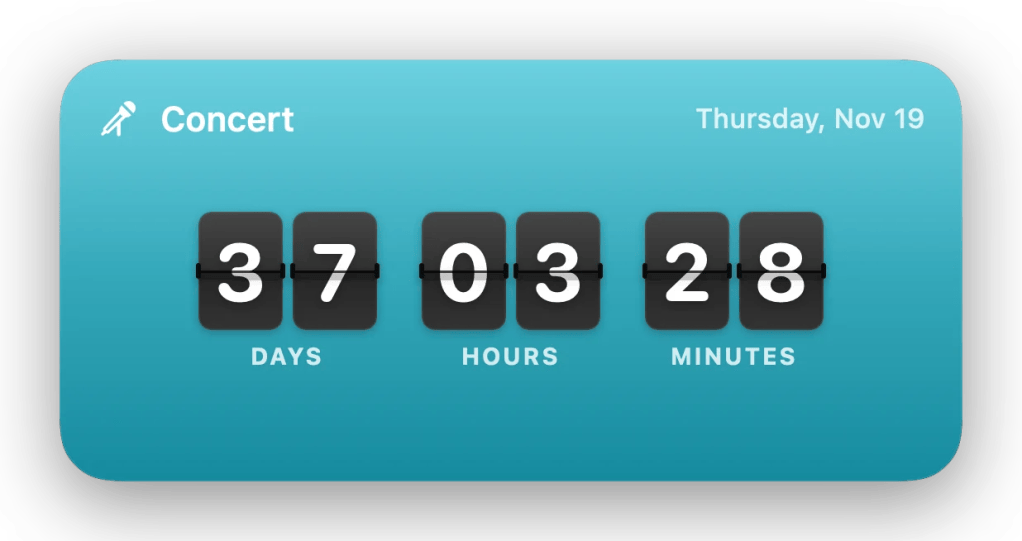
And you can put a photo behind it. The beach you’re going to, the person whose birthday it is, the mountain you’re flying out to ski. It turns a number into something you’re glad to glance at — which, for an app about things you’re looking forward to, is most of the point.
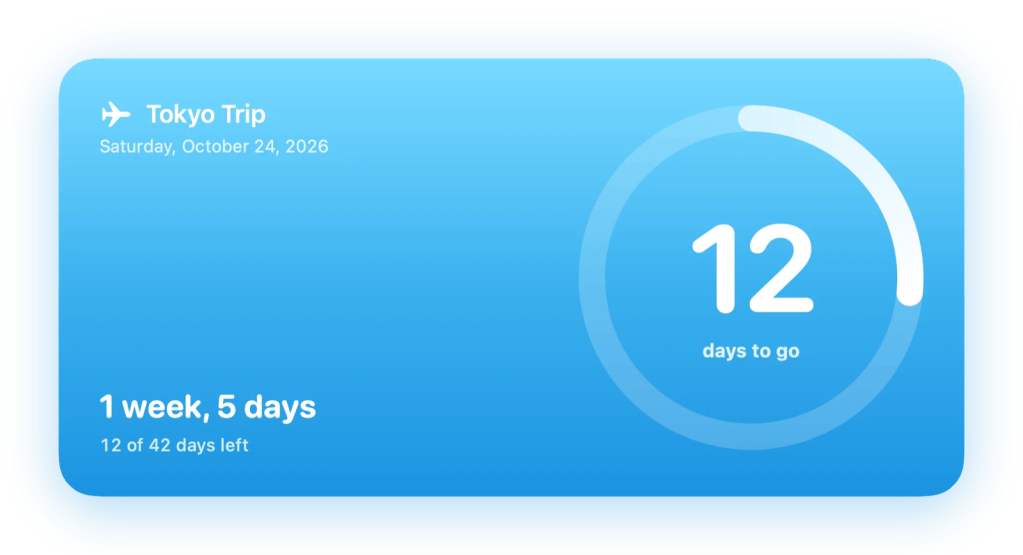
Fourteen colors, and about six and a half thousand symbols to pick from, so a countdown can look like the thing it’s counting to.

For students and teachers
If your school uses Canvas, paste your calendar feed link into Settings › Canvas and every due date starts counting down on its own, by course. No re-typing, no keeping two lists in step. Assignments appear as they’re posted and disappear as they pass.
I teach, I use this, and it is the feature I would not give up.
The small things
It talks to Siri and Shortcuts, shows up in Spotlight, and syncs through your own iCloud account if you want it on more than one Mac. It can remind you on the day. Every destructive thing can be undone. It works properly with VoiceOver.
It updates itself.
Your countdowns live on your Mac. No ads, no analytics, no tracking, and no account to make — I never see your data because it never comes to me.
What it won’t do
It is not a task manager, and I have deliberately kept it from becoming one.
No projects, no subtasks, no priorities, no completion percentages. A countdown is a date, a name, and how long is left. If you want to track work, you already have something better than this.
It needs macOS 15 Sequoia or later. That one stings a bit — it rules out some older Macs — but Sequoia is what makes the widgets behave the way I wanted.
It is Mac only. There’s no iPhone app (yet), and I’m not promising one.
Try it for a week
Soon Enough is free for seven days, with every feature unlocked. No account.
No credit card. Download it, and it just runs.
After the week, a license is $9.99, once — not a subscription — and it covers up to three of your Macs. And if you don’t buy one, the app doesn’t hold your countdowns hostage: the menu bar and your widgets keep working. You just need a license to add or change a countdown.
If it turns out it’s not for you, email me within 30 days, and I’ll refund it.
Download the free trial at soonenough.app
If you try it, I’d genuinely like to know what you’re counting down to.

