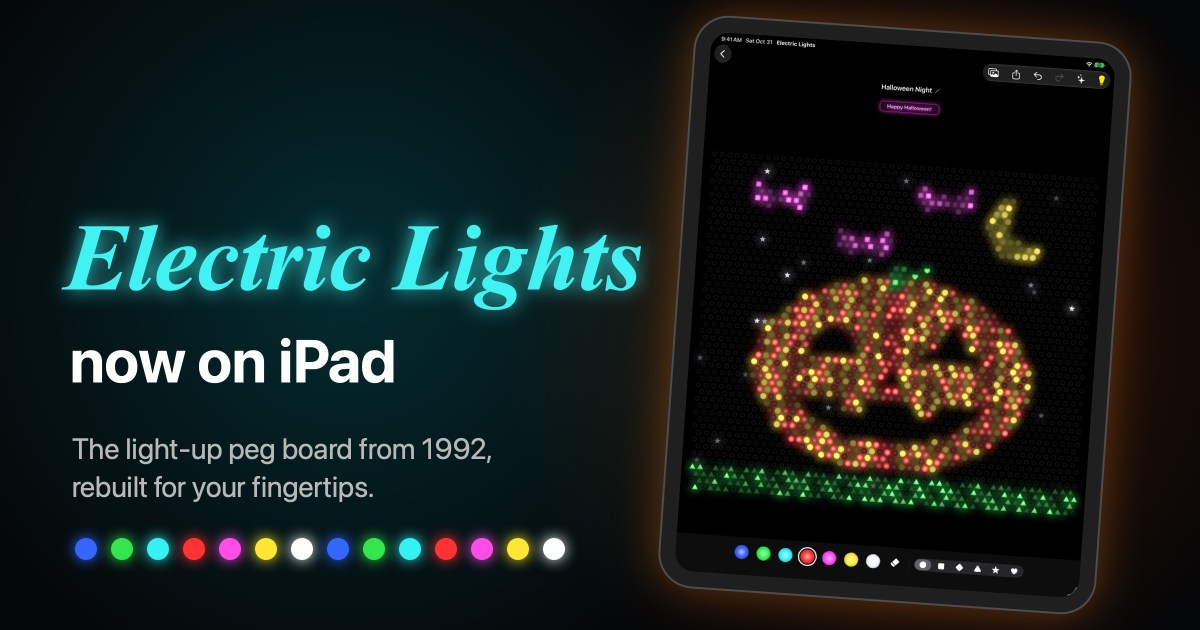
Push in pegs with your finger
Last month I brought Electric Lights, the glowing peg board Mike Schwartzman and I wrote for Windows in 1992, back as a native Mac app. A peg board you can only click with a mouse always felt like half the idea, though. It wanted to be touched.
Now you can. Electric Lights for iPad is on the App Store.
On the iPad it finally feels like the toy it’s named after. You tap a peg into the board with your finger, drag to draw a line of them, then flip the switch and watch your picture glow.
Get Electric Lights on the App Store
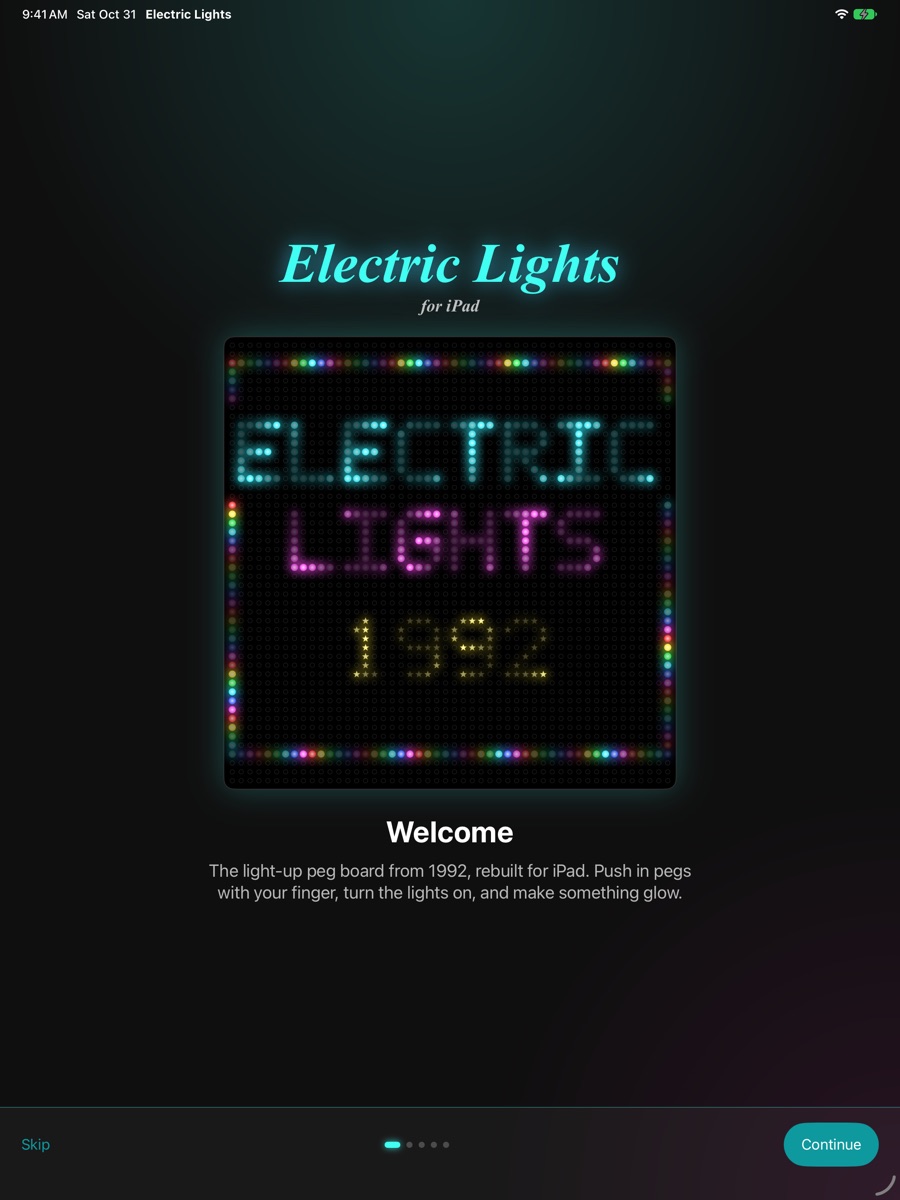
What it is
Electric Lights is a light-up peg board for iPad. Tap a hole to push in a peg, drag your finger to draw, and tap a matching peg to pull it back out. Pick from seven bright colors and six shapes: circles, squares, diamonds, triangles, stars and hearts. The board has 2,500 holes, staggered like the classic toy or lined up in a straight grid.
Tap the light bulb and every peg lights up with a satisfying switch sound. Then choose a pattern:
- Steady, for a calm glow
- Twinkle, where every peg brightens and dims on its own
- Chase, waves of light running across the board like a marquee
- Color Cycle, where the pegs step through all seven colors
Pinch with two fingers to zoom in for detail, and drag with two fingers to move around. One finger always draws. The undo and redo arrows take back any slip, one stroke at a time.
Fill in by color
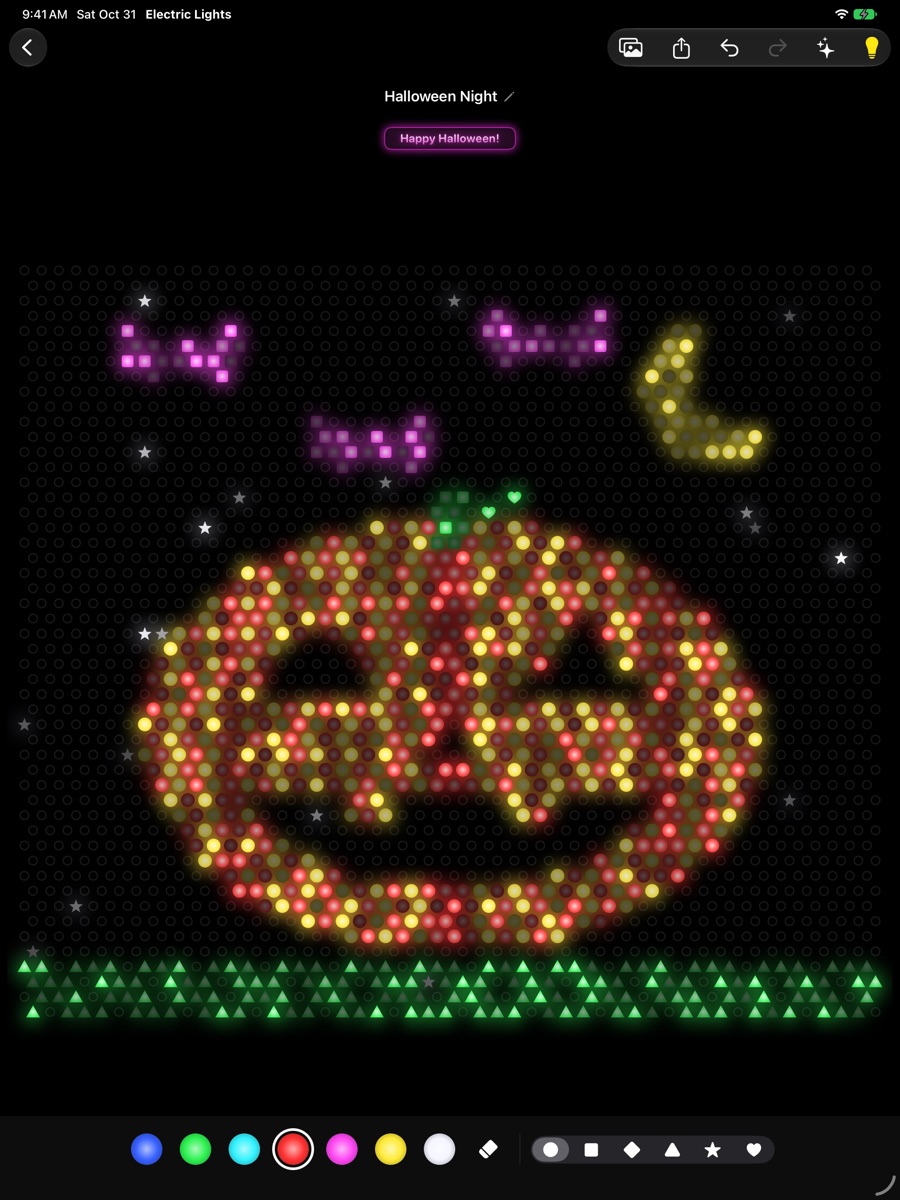
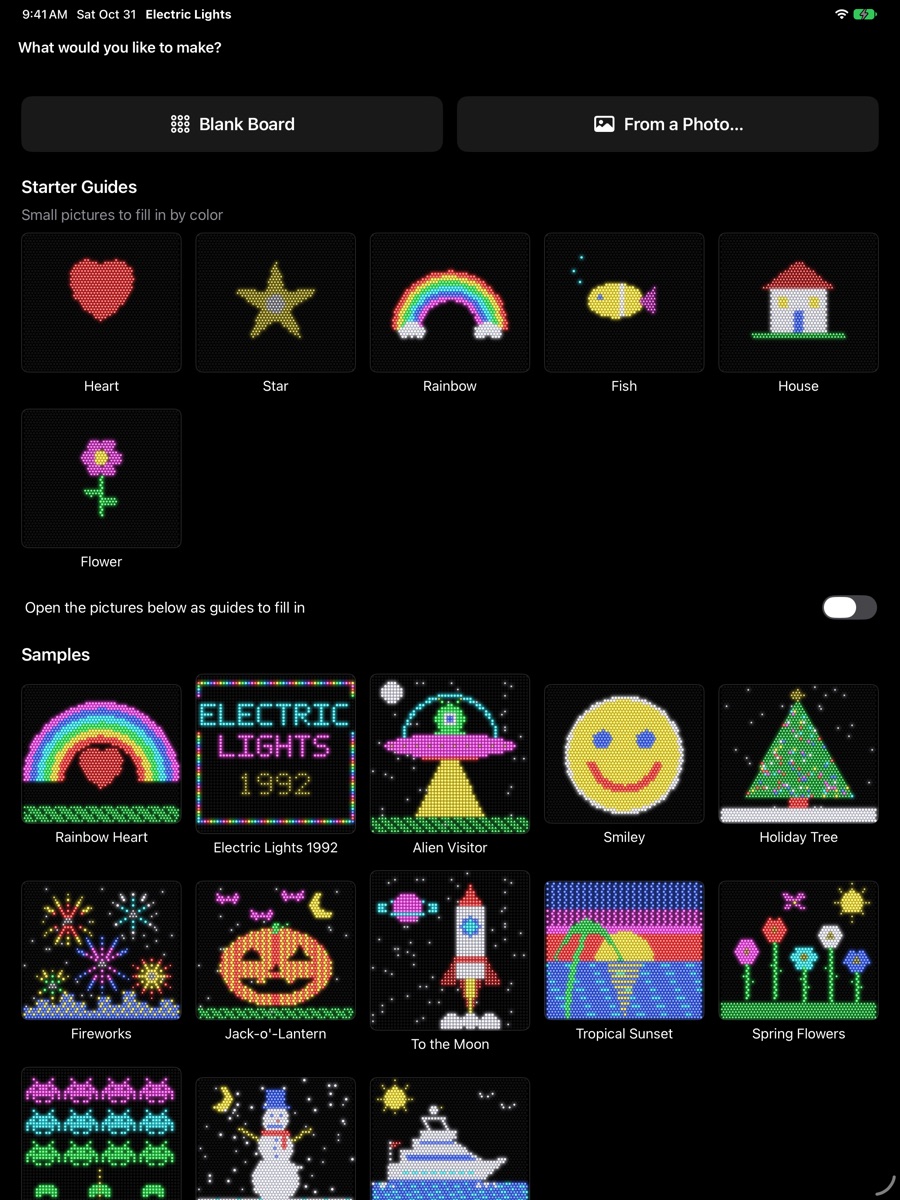
The original peg boards came with paper sheets you laid over the board and filled in by color. Electric Lights has those too. We call them guides.
In a guide, each empty hole shows the letter of the color it wants: R for red, Y for yellow, B for blue, and so on. Put the right color in, and the peg takes the picture’s shape. Fill in the last hole and the lights come on by themselves. It’s a great one for kids learning their colors.
- Six starter guides for a first go: Heart, Star, Rainbow, Fish, House, and Flower.
- Every sample picture is a guide for a bigger challenge.
- Make your own. Choose Pictures ▸ Save as Guide, and any picture you make becomes a puzzle to fill in. It waits for you in My Guides.
- Send one to a friend. Tap Share and choose Share as Guide.
Turn your photos into pegs
Choose From a Photo… and pick any photo. You see it beside a live preview in pegs, and nothing changes until you tap Put In Pegs.
- Frame it. Drag and pinch to choose exactly what goes on the board.
- Remove the background. One switch keeps the person, pet, or object and lets it glow on a black board.
- Make it glow. Tune brightness, contrast, colorfulness, detail, and dark areas, and pick a peg shape.
All of it, including the background removal, happens on your iPad. Your photos are never uploaded.
Your Mac and your iPad, together
Keep your pictures in the Electric Lights folder in iCloud Drive and they open on both. Start a picture on the iPad on the couch and finish it on your Mac, or the other way around. Guides you save in My Guides show up on both too.
Thirteen sample pictures come with the app, from a jack-o’-lantern to a motor yacht, along with free holiday and classic picture packs.
One price, everything included
Electric Lights for iPad is $4.99, one-time. Everything is included: no in-app purchases, no ads, no accounts and no tracking. It’s rated 4+, so it’s a calm, creative thing to hand to a kid, with no tiny pegs to find under the couch afterward.
It runs on iPadOS 18 or later. The Mac version is sold separately at electriclights.app, and it’s free to play there.
Get Electric Lights on the App Store
Lights on
Mike and I built the first Electric Lights for a mouse and a 1992 PC screen. Watching pegs light up under a fingertip on an iPad still makes me grin. I hope it does the same for you.
If you make something you love, I’d really like to see it. Share it on r/electriclights, or email me at support@electriclights.app with a bug or an idea. I read everything.
Lite-Brite is a trademark of Hasbro. Electric Lights is not affiliated with or endorsed by Hasbro.

