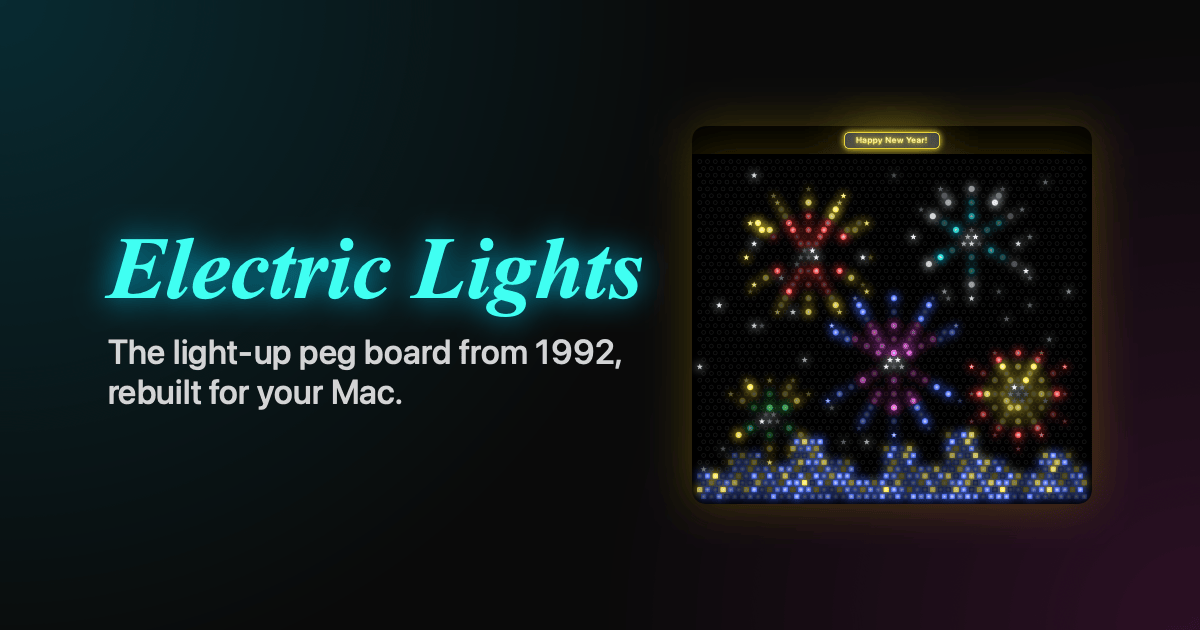
In 1992, my friend Mike Schwartzman and I wrote a little Windows program called Electric Lights. It was a glowing pegboard on your PC screen: you pushed colored pegs into a black board, gave your picture a title, and flipped the lights on to watch it glow. We wrote it in Microsoft C with the Windows SDK, and Software in Motion of Melville, New York, released it. By 1994 it was up to version 2.00.
A few years ago I posted a video of the original running on Windows. I kept coming back to it. So I rebuilt it from scratch as a native Mac app.
Today I’m happy to share Electric Lights for macOS. It’s free to play, and you can find it at electriclights.app.
What it is
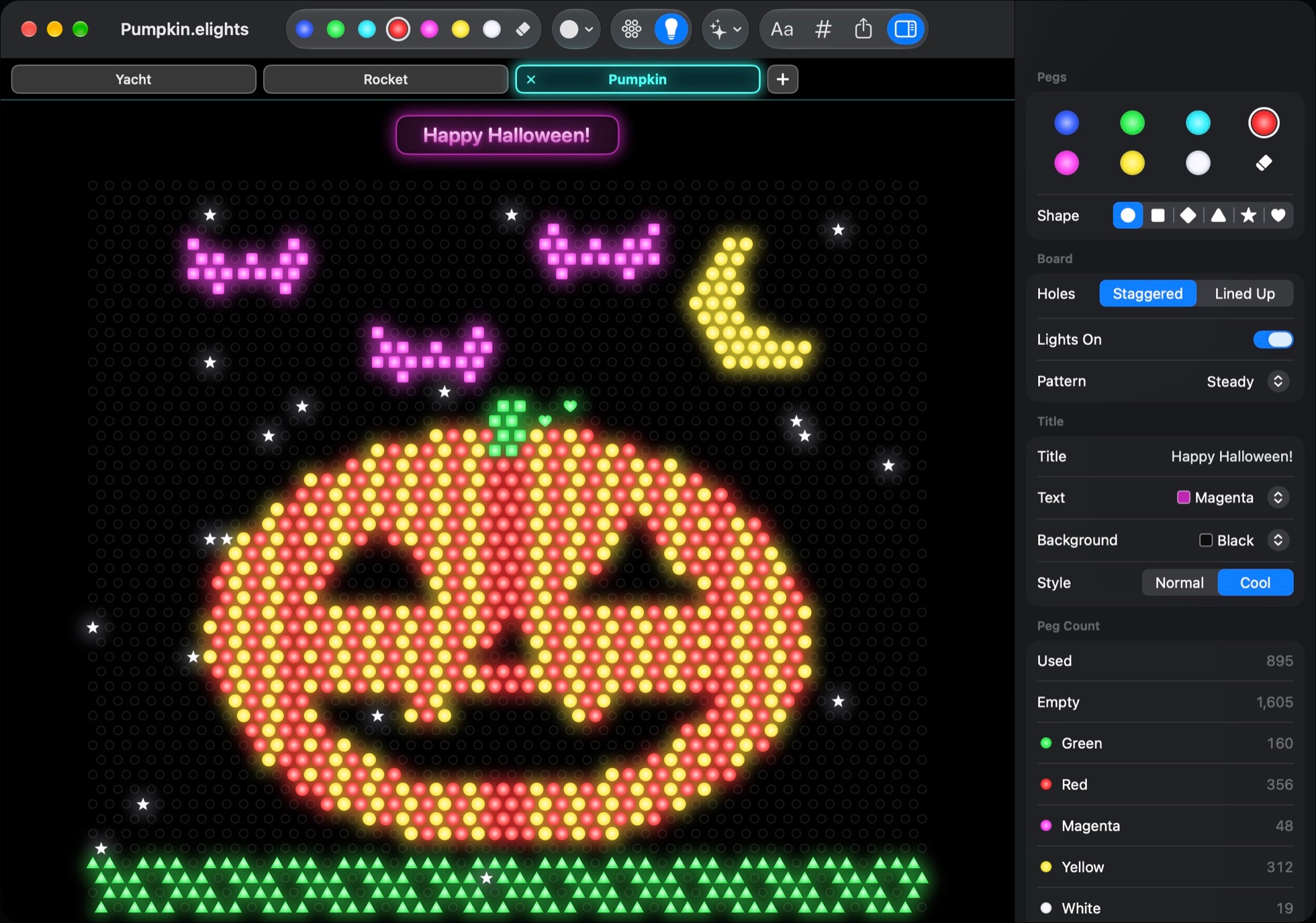
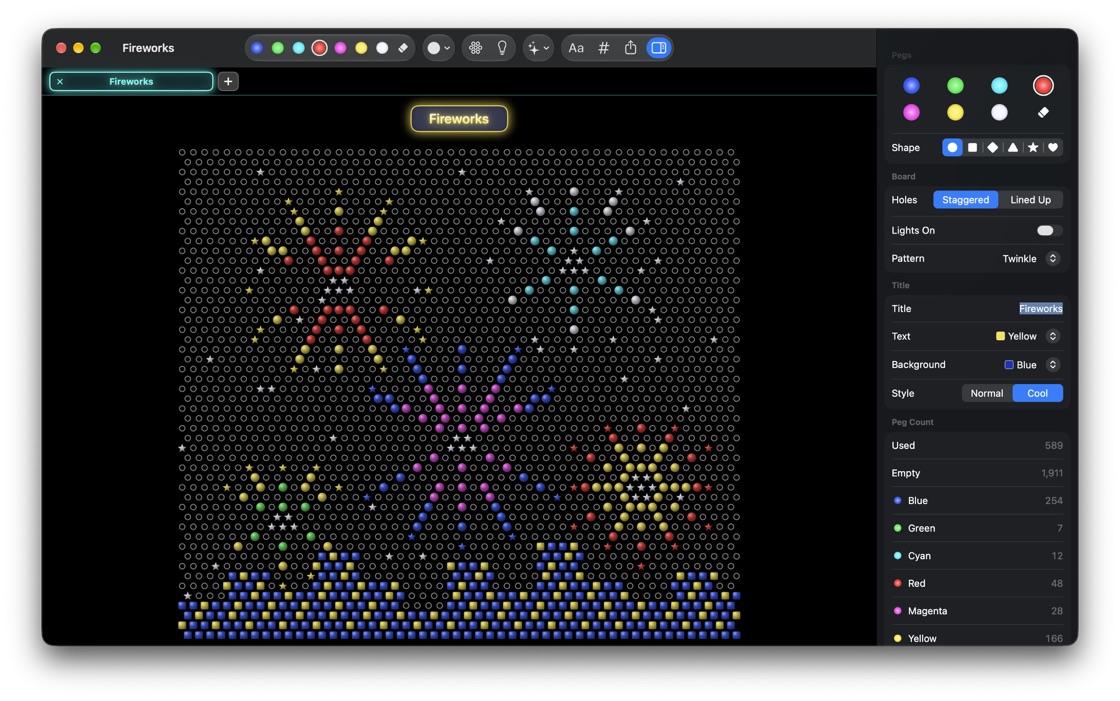
Electric Lights is a light-up pegboard for your Mac. Click a hole to push in a peg, or drag to draw. It has seven peg colors, the same as the original, and six shapes: circles, squares, diamonds, triangles, stars, and hearts. Right-click any hole, and the pop-up color palette appears, just like it did in 1992.
Then press ⌘L. The board goes dark, every peg lights up with a satisfying switch sound, and your picture glows. Light patterns make it come alive:
- Steady, for a calm glow
- Twinkle, where every peg breathes on its own
- Chase, a marquee wave across the board
- Color Cycle, where the pegs step through the colors
The board has 2,500 holes. You can stagger them, like the classic toy, or line them up in a straight grid, which suits pixel art. Not sure where to start? The app includes 13 sample pictures, from a jack-o’-lantern to fireworks over a city to a motor yacht. Open one and make it your own.
You can also put a title above your picture, on a glossy plate or a glowing neon sign, in the colors you choose.
New: turn your photos into pegs
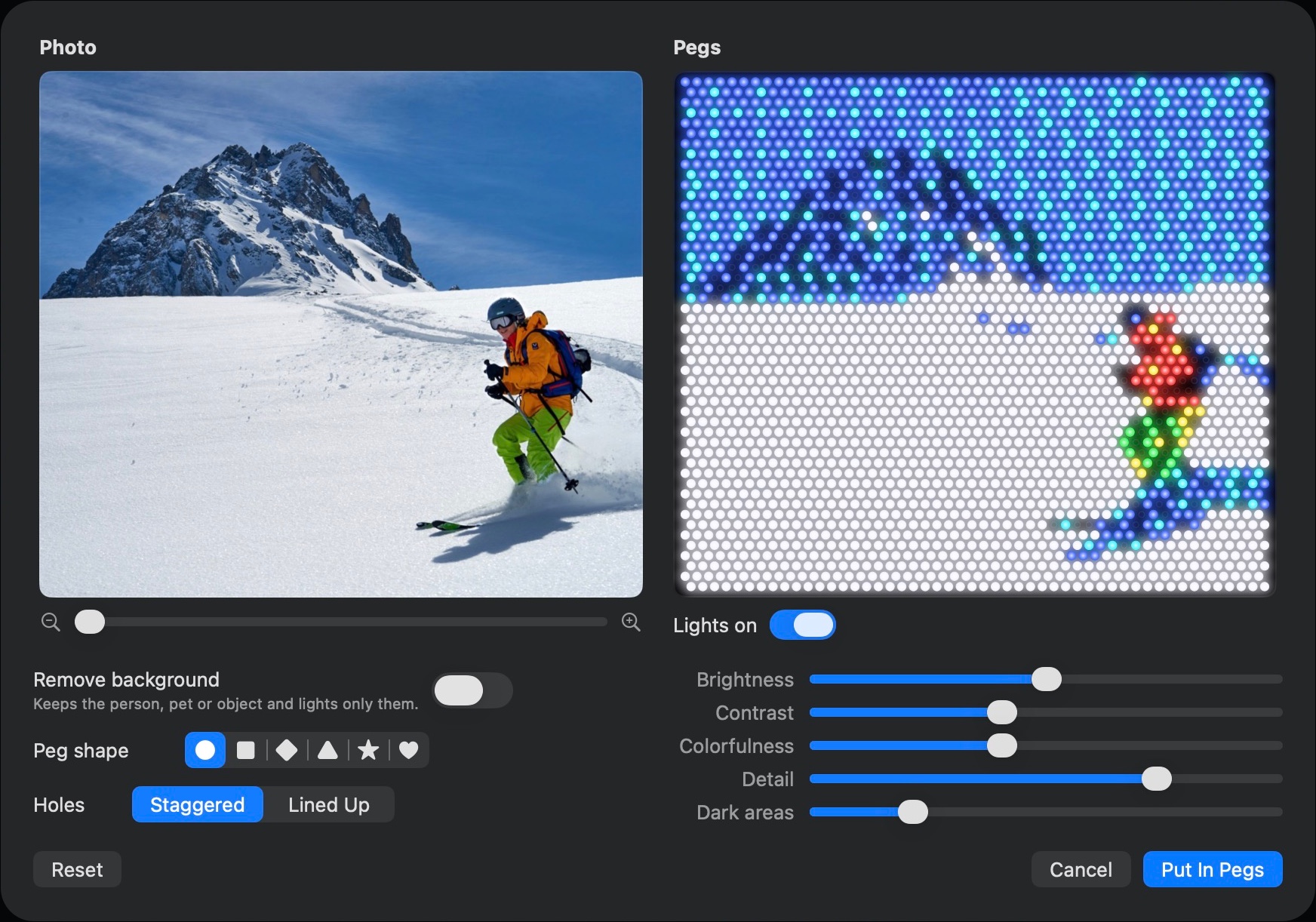
This is what the 1992 version could only dream of. Drag a photo onto the board, paste one, or choose File ▸ Photo to Pegs. You see your photo beside a live preview of it in pegs, and nothing changes until it looks right.
- Frame it. Drag the photo and zoom to choose exactly what goes on the board.
- Remove the background. One switch keeps the person, pet, or object and lets them glow on a black board.
- Make it glow. Tune brightness, contrast, colorfulness, detail, and dark areas; pick a peg shape, and put it in pegs.
All of it, including the background removal, runs on your Mac. Your photos never leave it.
Made the Mac way
I didn’t want a port of a 1992 Windows program. I wanted something that feels like it has always been a Mac app. A few of the details I sweated:
- The Toolbox. The original had a floating toolbox, so this one does too, as a modern inspector beside the board: peg colors and shapes, the hole layout, lights, patterns, the title, and live peg counts.
- Picture tabs. Keep several pictures open in bright tabs and flip between them with ⌃⇥.
- No mouse needed. The arrow keys move a cursor around the board, Space pushes in a peg, Shift-arrows paint as you go, and 1 to 7 pick a color.
- Everything you’d expect. Autosave, undo for every peg, copy and paste, print, share, and export to PNG. Updates arrive quietly on their own.
- Accessible. VoiceOver describes the board and reads out the hole under the cursor, and the light patterns hold still when Reduce Motion is on.
- Small things. Over the board, the pointer becomes a hand holding the peg you’re about to place. On a Force Touch trackpad, you feel a gentle tap as each peg goes in.
Free to play, $4.99 to keep
You can play with every peg, light, pattern, and sample picture for free, with no time limit, account, or card. If you want to keep what you make, a one-time $4.99 unlocks the rest. There’s no subscription.
| Free | Full version, $4.99 once | |
|---|---|---|
| Pegs, lights, sound and all four patterns | Yes | Yes |
| All thirteen sample pictures | Yes | Yes |
| Titles, picture tabs and keyboard control | Yes | Yes |
| Save and reopen your pictures | Yes | |
| Photo to Pegs | Yes | |
| Export, print, share and copy into other apps | Yes |
One purchase covers up to three of your Macs, with free updates. If it isn’t for you, email support@electriclights.app within 30 days for a full refund.
Electric Lights runs on any Mac with macOS 14 Sonoma or later, Apple Silicon or Intel, and it’s ready for macOS 27. You can even try it right on the website first: the home page has a live board you can light up.
Download Electric Lights at electriclights.app
Lights on
Rebuilding something Mike and I made more than three decades ago has been a joy. Every glow, click, and twinkle got more attention than it probably needed, and I hope that shows. Mostly, I hope it makes you smile.
If you make something you love, I’d really like to see it. And if you find a bug or have an idea, email me at support@electriclights.app. I read everything.
Thank you to Mike for building the original with me, and to everyone who remembers it.
Electric Lights is its own app with a 1992 heritage. Lite-Brite is a trademark of Hasbro, and Electric Lights is not affiliated with or endorsed by Hasbro.

